

The August release continues Lugor's promise: letting you build sites that combine advanced page composition with very high performance, without code.
It gives you far more freedom in composing your pages, to reach the level of the web's best references, while broadening the platform's functional coverage and continuing the work on performance.
1. Five more settings on the Hero block
The large section at the top of the page gains five optional settings: an eyebrow as text or a badge, a subtitle, a height of your choice between full page, standard and compact, social proof under the buttons drawn from your testimonials library, and a readability overlay that guarantees text contrast over a background photo. The title also adapts on its own to its length and the space available.
2. Build a page in sections
Your blocks can now be grouped into sections. Inside a section, each one sits on a twelve-column grid, with its own width and position, and two blocks can overlap as layers.
On mobile, everything folds into a single column without you having to think about it.
Each section carries its own visual style, which paints its entire background, and the text adapts its ink color to stay readable.
A structure you like can be saved as a template, which a button then generates into a new page, ready to fill.
3. The Testimonials block, and an expanded USP & Social Proof block
A new Testimonials block presents your customer reviews in four ways: a single featured testimonial, a grid of cards, a carousel or a scrolling strip.
Each can carry a star rating, a quote, a photo, a job title, a logo and a video, with none of these elements required.
These testimonials live in a library: entered once, they can be placed on as many pages as you want, corrected everywhere at once and translated language by language.
Your customers' logos line up at a common height and switch to a strip on mobile. The block that gathered your selling points and figures is now called USP & Social Proof and takes the ratings earned on external platforms.
4. Better understood by Google and AI assistants
Every page publishes a main heading whatever its composition, and your articles can open with a summary, placed wherever you like.
Your pricing tables become machine-readable, each column exposing its price and currency, without a competitor comparison being mistaken for your catalog.
The audit log also covers failed logins and changes to settings.
5. Modals and media get more flexible
A modal is a window that opens over the page to announce a promotion or offer a form. Your site could only configure one, displayed on its own. You can now create as many as you want, and any button can open one on click: "Request a demo" shows the form over the page instead of sending the visitor elsewhere, and its content loads only when it opens.
Automatic display is still possible, with each modal deciding its own timing, frequency and targeting.
On the media side, each image has its own display settings: shape, aspect ratio, fit, width and height.
The most useful is the focal point: you mark the area to keep visible once, a face for example, and the instruction follows the image whatever format it is forced into.
Video joins image: each Grid card, Bento tile, Spotlight panel or Progression step can hold one, and autoplay videos pause as soon as they leave the screen.
6. Day to day in the editor
A block can now be hidden without being deleted: it stays saved with its content but disappears from the published site, SEO description included. It's a way to set aside an unfinished section without unpublishing the whole page.
The text editor accepts icons inline within sentences, at the size and color of the surrounding text. Your navigation submenus can carry a thumbnail, a description and a badge, banners, Carousel slides and Spotlight panels become clickable across their whole surface, and click-to-enlarge for images is turned on block by block.
In brief
The August release opens up page composition in sections, enriches the top of the page with the new Hero block options, gives social proof its own dedicated block and reworks both modals and media management. Everything is already active on your site. See you next month.
Frequently asked questions
Glossary
- Template
- A saved page structure, reusable to create a new page that already has its framework in place.
- Social proof
- All the elements that show people trust you: testimonials, customer logos, figures, ratings earned on external platforms.
- Modal
- A window that opens over the page, at the visitor's initiative or under conditions you define, to present an offer or a form.
- Focal point
- The area of an image to keep visible when it is cropped to fit a different format. Set once, it applies everywhere the image is used.
Related articles
 Release notes
What's new in Lugor: October 2026
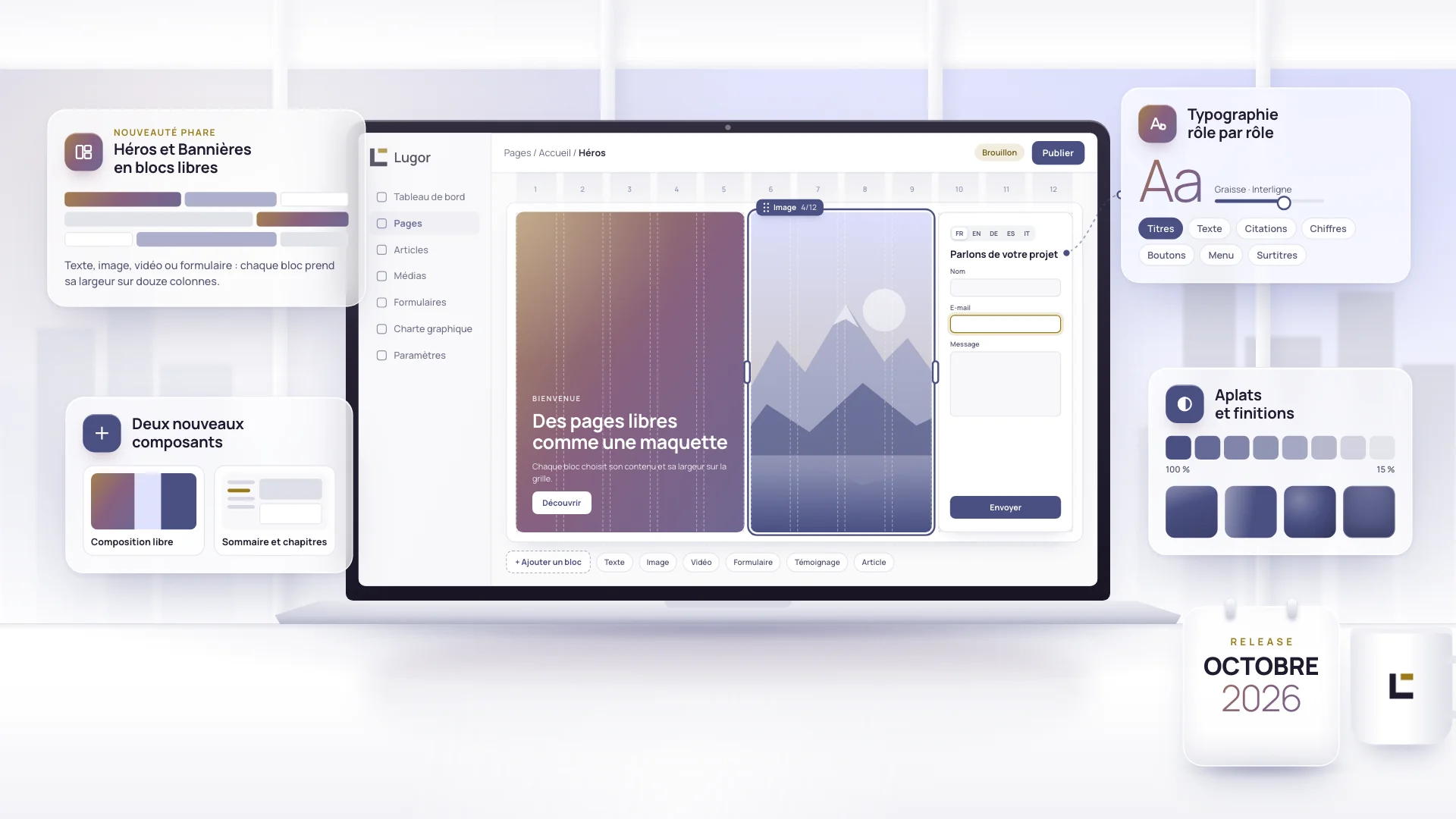
Lugor lets you build very fast sites with a layout as free as a custom build, without writing a line of code. The October release pushes that freedom further: your Heroes and Banners are built from free-form blocks, two new components arrive, and your brand guidelines now control typography role by role.
 Release notes
What's new in Lugor: September 2026
On the menu for this release: better ergonomics and simpler, unified use, to keep pushing further toward one of the most polished no-code building platforms on the market.
 Release notes
What's new in Lugor: July 2026
Four new components, a faster and safer core platform, and a platform built to be driven by an AI assistant. A tour of what shipped in July.