

You receive three quotes to redesign your business website. The first costs €3,000, the second €8,000, the third €15,000. All three agencies promise a modern, fast, secure site. There is no way to compare them. You sign with whoever pitches best, or you keep the existing site by default. This is the classic dead end for small-business owners who are not technologists.
Yet there is a simple, verifiable framework for judging the real quality of a website, no computer science degree required. These seven criteria can be tested in public or found in black and white in a project specification. Suddenly, the three quotes become comparable.
Why You Need to Judge a Website, and Why It Is Hard
A professional website is not a finished good like a car or a building. It ages differently. A site that looked perfect in 2023 can lose 40 percent of its organic visibility in two years if Google changes its ranking criteria. Another common case: an agency that disappears, or that charges €600 a month for the smallest change, sharply limits your room to maneuver.
Legacy sites (poorly maintained WordPress, aging agency solutions) pile up technical debt that no visual interface reveals. Hence the temptation to take the cheapest quote or to touch nothing. Yet the technical quality of a site can be checked objectively, like the mechanical condition of a vehicle. Without a diagnosis up front, the costs show up later as lost visibility or ever-heavier maintenance.
Criterion 1: Measure Performance
Go to PageSpeed Insights. It is a free Google tool that works in any browser. Paste the URL of each of the three proposed sites. A good professional site scores 90 or higher. If the three agencies' sites show 70, 65 and 58, that is a direct signal.
A slow site costs you in conversions: visitors leave before the page loads. It costs you in Google rankings: slow sites are penalized. It costs you in perception: a site that takes 4 seconds to load looks unprofessional and sends a signal that does not inspire trust.
Ask the agency to show you its Lighthouse / PageSpeed Insights scores on its own client sites. If it hesitates or is slow to answer, that is not a good sign.
Criterion 2: Real Accessibility
Try navigating the proposed site using only your keyboard, without a mouse. Do all the buttons, links and forms work from the keyboard? Is the contrast of the text sufficient to read it without strain?
For sites aimed at lawyers, clinics or accountants, accessibility is more than a trend. It is a direct signal of professionalism and the expected standard in 2026. For e-commerce sites and online services with transactions, the European directive (the EAA, in force since 2025) makes it mandatory. For a firm's showcase site, it remains a quality standard that high-end clients recognize immediately. A good agency should be able to certify it in writing.
Criterion 3: Editorial Autonomy
Can you change a price, add a page or fix opening hours without emailing your provider and waiting for a reply? Go further: are the forms connected directly to your CRM or your contact management tool?
A good site lets you manage the content yourself. That is what autonomy means. You can test it during a site walkthrough: the agency shows you the editing interface, you change a text, and you see the change live on the public site. If it says it is too complicated for you or that you have to go through the agency, that is a bad sign.
Criterion 4: SEO and, Since 2026, Readability by AI Engines (AEO or GEO)
You have probably noticed that Perplexity, Gemini, Claude and ChatGPT cite some sites and ignore others. A site that AI engines can read has a clear structure: well-ordered headings and structured text, not just images. It also contains structured data in JSON-LD, a format you cannot see but that AI uses to understand everything at once. And it includes a specific file that says: yes, AI, you can use this site as a source.
A site that ignores these signals is rarely cited by Perplexity or other AI engines. This readability has become a standard expectation for visibility in 2026.
This article gives you some ways to get mentioned by Google's AI Overviews.
Criterion 5: Form and Data Compliance
Do the contact forms collect your data with clear consent? Go to the legal notices. Is there a data protection statement and an explicit cookie policy? Check that the forms send data over HTTPS (the little padlock next to the URL).
A form that sends data without encryption is a legal risk. A form that collects information without explicit consent does not comply with the GDPR.
Criterion 6: Source Code Ownership
Ask the question directly: if I leave tomorrow, will I have access to the complete source code of my site? If the answer is hesitant, or the conversation turns to a contract or an extra fee, be wary.
You have the right to own your site. A proprietary license (where you own the code) often costs less in the long run than a site rented by the month. It is also your protection: if the agency closes, your site keeps running.
Criterion 7: Real Cost Over 5 Years
Do not compare the price on the initial quote. Ask for an explicit estimate of annual hosting, annual maintenance, the cost of security updates, and the time you will spend editing content.
Here are three examples. A site with a €3,000 initial investment and €100 in annual maintenance comes to €3,500 over five years. A site with an €8,000 investment and €400 in annual maintenance comes to €10,000 over five years. A site rented at €500 a month comes to €30,000 over five years. That is the real question.
How Do You Use These Criteria for Your Business?
To Analyze Your Existing Site
Take each criterion and apply it to your current site. The PageSpeed Insights score takes two minutes to test on your site's URL. Keyboard navigation takes thirty seconds to check once you put the mouse down. The contract with your current provider should state in black and white who owns the source code. You know right away whether you can edit content or add a new page on your own. The legal notices and the HTTPS padlock on the form are visible. The presence of an llms.txt file and JSON-LD markup can be checked with your browser's developer tools. The cumulative annual cost (hosting, maintenance, plugins, subscriptions) comes straight from your invoices.
At the end of the exercise, you get a score out of seven. With three points or fewer in order, the site probably deserves a redesign. With five points or more in order, targeted updates are enough. In between, it is case by case, depending on your business and the age of your site.
To Read a Quote You Received for a New Website
Print or write down these seven criteria. Keep them in front of you when someone proposes a quote for a site. Ask your contact to clarify each point. If the answer is "We take care of everything, it's transparent," that is not an answer, and it points to risks.
A good agency can describe each point. It can state its Lighthouse / PageSpeed Insights target, explain how it reaches it and show you references. Accessibility also depends on a technical approach that must be spelled out. Code ownership must be defined in the contract. The proposal you receive must name the solution used to run the site. The level of security and protection offered must be stated, ideally with a standard targeted by the development work. The site's readability by AI must be demonstrated through the tools and features the agency's build provides. Finally, depending on the decisions made about hosting, maintenance and so on, the Total Cost of Ownership (TCO) can be calculated.
If three points out of seven lack clarity, the agency is hiding something or has not finished its work. Favor the clearest, best-documented answer for a site that is viable, scalable and maintainable, with no risk of dependence on an agency throughout its life.
Why Does It Matter to Have a Site That Meets as Many Criteria as Possible?
Meeting one or two criteria is enough for your site to work, not for it to serve you. Day to day, the difference shows up on three concrete fronts: the total cost over five years, the time the site demands from you, and its visibility in the new discovery channels, namely traditional search engines and generative AI engines.
A site that meets all seven criteria by design reverses the usual logic. The total cost is known in advance and stays contained. Editorial changes (prices, new services, news) no longer depend on a provider. Form leads feed your internal tools directly, with no manual work. The site's structure is readable by Google and by AI engines alike, which widens your visibility among prospects who now turn to ChatGPT or Perplexity to explore a topic.
The main benefit is not one more technical feature. It is being able to treat the site as a stable, predictable tool that demands neither recurring attention nor annual renegotiation. The time freed and the confidence gained are often worth more than the initial price gap between a standard site and one that covers all seven.
Accessible Solutions Like Lugor Make It Possible to Build a Website That Covers Every Web Challenge of 2026
If, after applying this framework to your current site or to a quote, you want to see what a site that meets all seven criteria by default looks like, discover the Lugor platform and its approach to performance and quality. To talk directly about your redesign project, book a meeting through the contact page. We reply within 48 hours.
Key takeaways
- A good-quality site scores 90 or higher on performance (Lighthouse), measurable for free on the public URL. Real accessibility (keyboard navigation, contrast) has become an expected standard in 2026 and remains a legal requirement for e-commerce sites and online services with transactions (EAA directive since 2025).
- Real accessibility (keyboard navigation, contrast) has become an expected standard in 2026 and remains a legal requirement for e-commerce sites and online services with transactions (EAA directive since 2025).
- Source code ownership must be explicit in the contract and guaranteed in writing: it is your fundamental right.
- Editorial autonomy means being able to change prices, content and forms without waiting for the agency to step in.
- GDPR compliance and form security are verifiable: forms sent over HTTPS, explicit consent, clear legal notices.
- Readability by AI (JSON-LD, an AI instructions file) is a growing signal in 2026 that determines your visibility on Perplexity, Gemini, Claude and ChatGPT.
- The TCO (initial investment plus maintenance plus hosting) over five years should be compared, not the quote price alone.
Frequently asked questions
Glossary
- Lighthouse
- A free Google tool that tests the quality of a web page by measuring performance, accessibility and adherence to best practices. A score of 90 or higher is considered excellent.
- WCAG (Web Content Accessibility Guidelines)
- International standards for making a site accessible to everyone, including people with disabilities. Level AAA is the highest and strictest.
- CMS (Content Management System)
- An interface that lets business owners edit text, images and pages without touching technical code. A good CMS gives you autonomy.
- JSON-LD
- An invisible data format that gives AI engines and Google the structure of a web page (who wrote it, on what topic, when). AI reads it even before the visible text.
- GDPR
- The regulation that protects personal data in France and across Europe. Forms and cookies require the visitor's explicit consent.
- TCO (Total Cost of Ownership)
- The sum of all costs (creation, upkeep, hosting, updates) over the life of a site, usually calculated over five years.
Related articles
 Best practices
AI Overviews Has Arrived in France: Can Your Site Be Cited?
Google will roll out AI Overviews and AI Mode in France before September 23, 2026. Two years of data from neighboring markets show where visibility is heading: toward the sites AI cites. What your site needs, and why a Lugor site already has it.
 Release notes
What's new in Lugor: October 2026
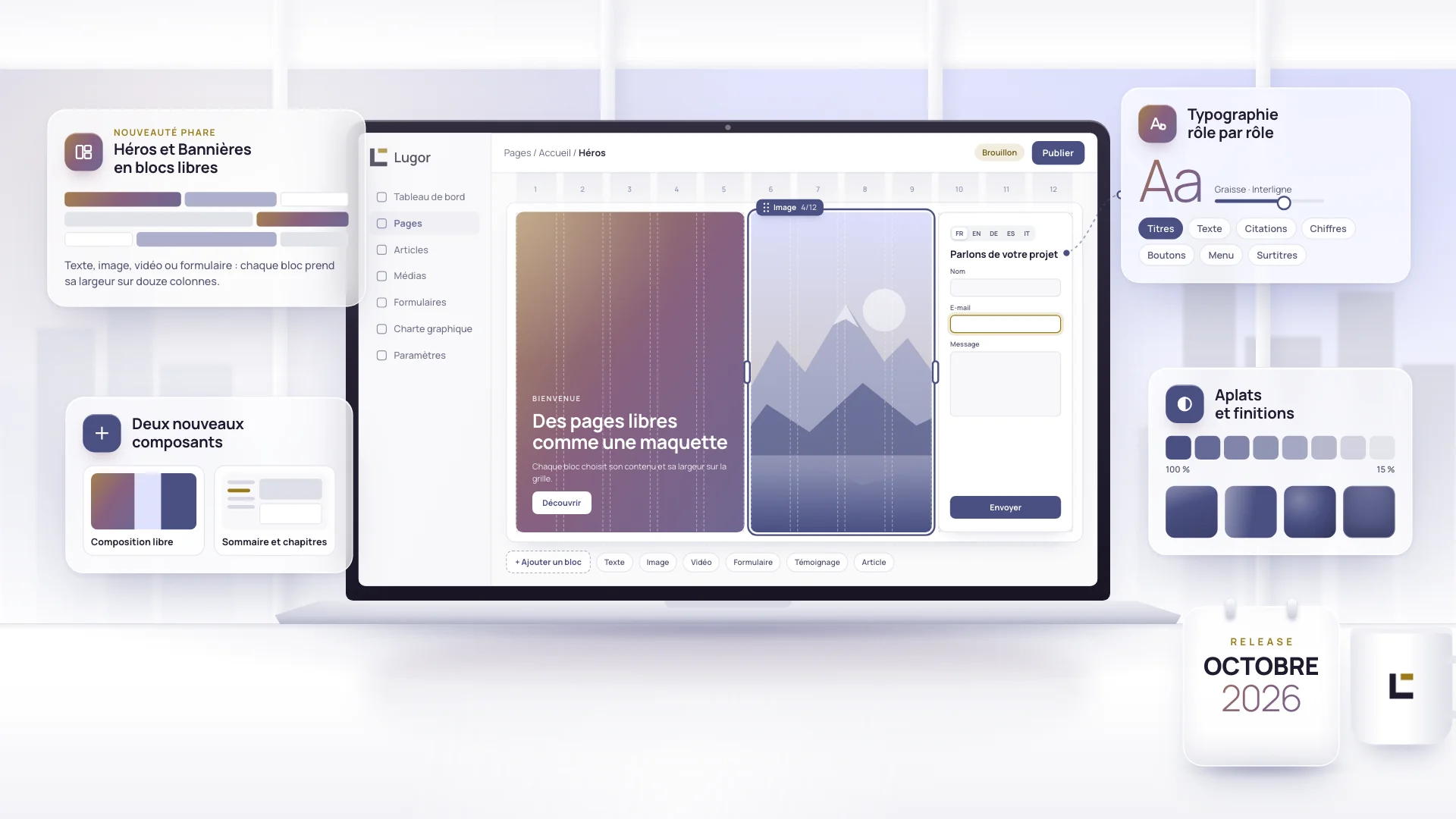
Lugor lets you build very fast sites with a layout as free as a custom build, without writing a line of code. The October release pushes that freedom further: your Heroes and Banners are built from free-form blocks, two new components arrive, and your brand guidelines now control typography role by role.
 Release notes
What's new in Lugor: September 2026
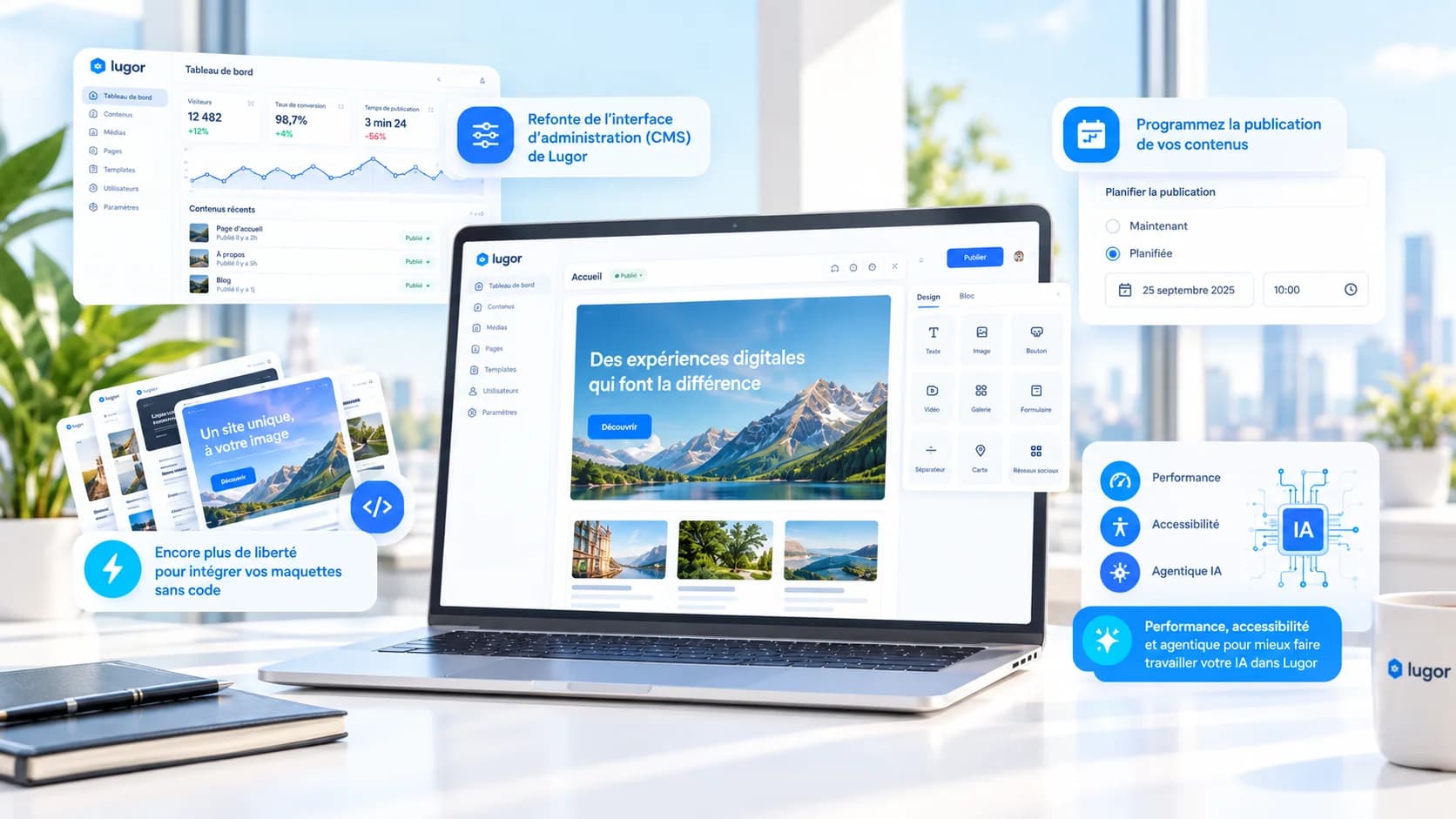
On the menu for this release: better ergonomics and simpler, unified use, to keep pushing further toward one of the most polished no-code building platforms on the market.